Apple Reveals iPhone Duo App Interfaces in App Store Screenshots Ahead of Launch
New screenshots show how Apple’s built-in apps will adapt to the foldable iPhone Duo’s large screen, featuring sidebars and dual views.
Key points
- App Store screenshots reveal iPad-like interfaces with sidebar navigation for many Apple apps on the iPhone Duo.
- The device features a vertical dock and right-side navigation bars in open views, shifting to bottom bars when held vertically.
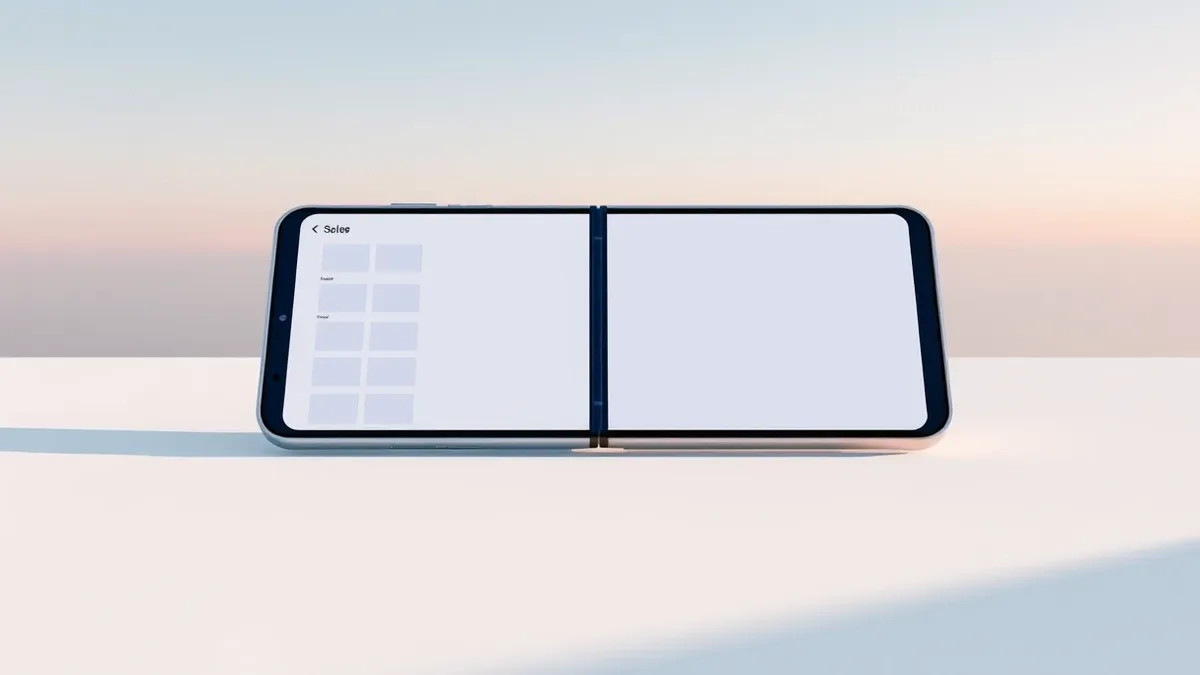
- The Home Screen places the Today view and widgets on the left, with app icons and status indicators on the right.
Apple has updated its App Store listings with screenshots showing how its built-in applications will appear on the iPhone Duo, according to MacRumors. These images provide additional details about the user interface for the foldable device, which is scheduled for release in three days. The screenshots show how various apps will utilize the screen real estate.
Many of Apple’s native apps are depicted in landscape orientation, utilizing an interface similar to that found on iPads, according to MacRumors. This design uses a portion of the screen for sidebar navigation while leaving the rest for content. Other applications are shown using the full screen for more viewing space. Some apps, such as Contacts, feature a dual-view layout that splits the screen into a list of names and an editing pane.
Interface Adaptations and Layouts
The Siri app displays a unique layout that avoids a traditional sidebar, according to MacRumors. Instead, the left side of the interface shows a tiled view of conversations, while the right side displays the full conversation text. Apps like Preview include tool palettes at the bottom of the screen, which are combined with sidebars or navigation bars. Markup editing gives a preview of what drawing and photo editing apps will be like, with a large amount of display space paired with a bottom tool palette.
The iPhone Duo adopts a vertical dock and vertical navigation bars located on the right side of the display in both open and closed views, according to MacRumors. An exception occurs when the device is held vertically in an open position, resembling an iPad in portrait orientation. In this specific configuration, the navigation bars move to the bottom of the interface. Apple states that this vertical orientation is ideal for applications requiring keyboard use or for browsing in Safari.
Home Screen and System Features
The Home Screen layout places the Today view and widgets on the left side of the display, while app icons are positioned on the right, according to MacRumors. The status bar is located in the upper-right corner, and Lock Screen shortcuts for the flashlight and camera are in the bottom right. Floating popovers appear when users press and hold an icon, taking up less space than on smaller iPhones.
The inner display of the iPhone Duo does not feature an always-visible Dynamic Island, according to MacRumors. This is because the device lacks Face ID sensors and has an under-screen FaceTime camera. Apps that do not require large navigation bars can utilize widescreen views that occupy the entire display. For apps with navigation bars, users have the option to tap to hide the bar.
What should you do?
Users interested in the iPhone Duo should monitor official Apple channels for the final software release and any last-minute interface adjustments. As Threat Times reported on 2026-10-20, Apple has been expanding its self-service repair program to include the iPhone 18 Pro and new Mac models. Professionals should also note the UK regulator’s recent proposal to force Apple to open iPhone NFC payment access, which could impact future software updates.
What to do and how to stay safe: Apple
- Check official Apple documentation for the iPhone Duo to understand how app layouts may differ from standard iPhone models.
- Verify if your essential apps have been optimized for the foldable interface before purchasing the device.
- Monitor regulatory developments in the UK regarding Apple’s NFC payment restrictions, as these may affect app functionality.
- Review Apple’s self-service repair options for the iPhone 18 Pro and Mac models to understand current maintenance capabilities.
Step-by-step guide: Mobile Device Security: How to Protect Data Beyond Passwords
General security guidance from the Threat Times newsroom. It is not confirmed advice from the organisations named in this story.
Frequently asked questions
When is the iPhone Duo scheduled for release?
The iPhone Duo is set to be released in three days, according to MacRumors.
How does the Home Screen layout differ on the iPhone Duo?
The Home Screen features the Today view and widgets on the left, with app icons on the right, and the status bar in the upper-right corner.
Does the iPhone Duo have a Dynamic Island on the inner display?
No, the inner display does not have an always-visible Dynamic Island because it lacks Face ID and has an under-screen camera.