Android Authority reports Android phone controls and apps moving deeper into Windows 11
According to Android Authority, Microsoft is expanding the integration of Android messaging and app controls directly onto the Windows 11 desktop environment.
Key points
- Android Authority reports that Android phone controls are becoming more integrated with Windows 11.
- The integration includes access to messages and applications from the Android device.
- Users can manage phone functions directly from their desktop computer interface.
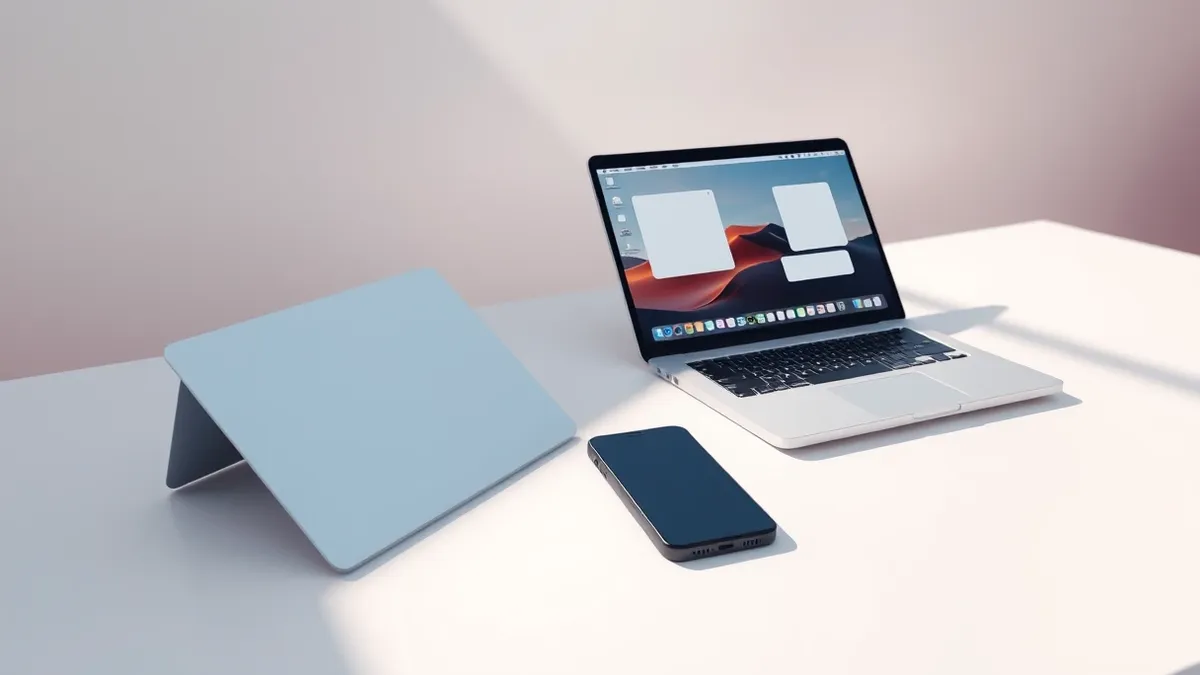
Android Authority reports that Android phone controls and applications are moving deeper into the Windows 11 operating system. This development indicates a continued effort to bridge the gap between mobile and desktop computing environments for users.
The outlet notes that messages, apps, and phone controls are getting closer to the desktop experience. This expansion allows users to interact with their Android devices more seamlessly through their Windows interface. The integration focuses on bringing mobile functionality directly to the primary computing screen.
Context and Background
According to Android Authority, the shift represents a significant step in cross-platform connectivity. The report highlights that specific Android features are no longer isolated to the mobile device. Instead, these elements are being woven into the fabric of the Windows 11 user experience.
This move aligns with broader industry trends toward unified ecosystems. By placing Android controls on the desktop, Microsoft aims to reduce the friction between different devices. The integration suggests a future where the distinction between phone and PC becomes less rigid for the end user.
Who Is Affected
This development primarily affects users who operate both Android smartphones and Windows 11 computers. According to the report by Android Authority, these users will see changes in how they access their mobile data. The integration targets individuals who rely on both platforms for daily tasks and communication.
Professionals who manage multiple devices may find this integration particularly relevant. The ability to view messages and apps on a larger screen can streamline workflows. However, it also means that desktop users will have more direct exposure to their mobile device's data streams.
What should you do?
Users should review their current settings for cross-device connectivity features. It is important to understand which Android data is being shared with the Windows environment. Checking permissions can help ensure that only desired information is accessible from the desktop interface.
What to do and how to stay safe: Windows 11
- Review the permissions granted to Windows 11 for accessing Android device data.
- Verify that only necessary apps and messages are synced to the desktop environment.
- Monitor the behavior of integrated controls to ensure they function as expected.
- Wait for official documentation from Microsoft regarding security implications of this integration.
Step-by-step guide: Mobile Device Security: How to Protect Data Beyond Passwords
General security guidance from the Threat Times newsroom. It is not confirmed advice from the organisations named in this story.
Frequently asked questions
What new features are being added to Windows 11 from Android?
According to Android Authority, messages, apps, and phone controls are being integrated closer to the Windows 11 desktop.
Which devices are involved in this integration?
The integration involves Android phones and computers running the Windows 11 operating system.
Is this integration already available to all users?
The source material indicates that these controls are "getting closer," suggesting an ongoing or upcoming rollout rather than a completed feature for all.