MapQuest adds surveillance layer to show license plate camera locations
The navigation app now displays known outdoor license plate readers from Flock Safety, Motorola Solutions, and other vendors on its map.
Key points
- MapQuest announced a new surveillance layer on Bluesky that shows outdoor license plate reader locations.
- The feature displays cameras from Flock Safety, Motorola Solutions, Genetec, and eleven other manufacturers.
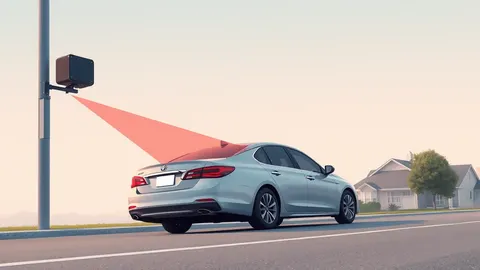
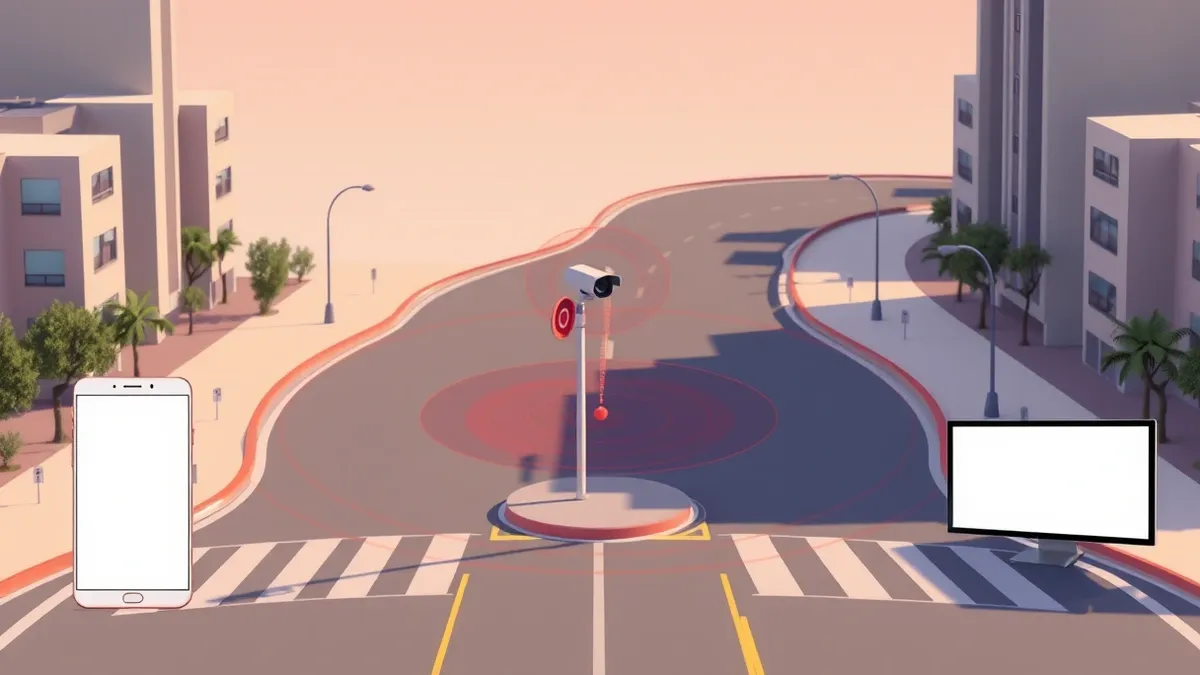
- Visual indicators include a red eye icon and a vision cone showing the direction the camera is facing.
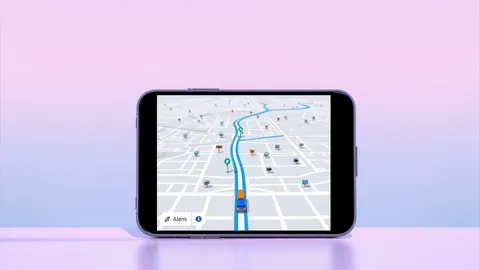
MapQuest announced on Bluesky that its mobile application now includes a dedicated surveillance layer. This new feature allows users to view the locations of known outdoor license plate readers on the map. The company stated that the layer provides visibility into tracking devices from multiple brands, including Flock Safety and Motorola Solutions.
The surveillance layer displays cameras from Flock Safety, Motorola Solutions, Genetec, Axis Communications, Axon, Leonardo, Neology, Rekor, PlateSmart, Ubicquia, and Verkada. According to ZDNET Security, users activate the feature by tapping the layer icon on the main navigation screen. Once enabled, each camera appears as a small red eye with a vision cone indicating its facing direction.
Context and Background
MapQuest provides turn-by-turn navigation services similar to Google Maps and Apple Maps. However, neither Google nor Apple currently offers information regarding Flock camera locations, according to ZDNET Security. The Waze app identifies police cameras, but this category includes speed cameras and general traffic or weather cameras. Consequently, it can be difficult for Waze users to distinguish specific surveillance devices from other types of roadside monitoring equipment.
MapQuest did not explain how it obtained the location data for these cameras. ZDNET Security reported that the outlet reached out to MapQuest for clarification on the data source. There are several crowdsourced maps online, including OpenStreetMap, which show where Flock and similar license plate reading cameras are located. Flock Safety is actively fighting these crowdsourced efforts, according to the report.
ZDNET Security noted that it seems likely the data MapQuest is using is user-generated, though it appears reliable. The report highlighted that Flock license plate tracking cameras have quietly gone up across the United States. One user observed more than 30 cameras in a medium-sized town of 80,000 people, finding the density unsettling.
Who Is Affected
Drivers concerned about the rise in Flock license plate tracking cameras can now use this tool. ZDNET Security stated that MapQuest is one of the oldest names in online navigation, known for printed turn-by-turn directions decades ago. The brand is seeing a resurgence in a market dominated by Google Maps, Waze, and Apple Maps. The feature allows users to see where cameras are located and avoid them on their own if they wish.
Currently, there is no setting to automatically route drivers around license-plate reading cameras. Users must manually review the map to identify potential surveillance points along their journey. This lack of automated routing means drivers must actively monitor the map rather than relying on the navigation system to avoid specific zones.
What should you do?
Users interested in this feature should update their MapQuest app and enable the surveillance layer. They can then review their usual routes to identify any new camera installations. Since the data may be user-generated, it is advisable to cross-reference locations with local news or municipal records for accuracy. Drivers should also remain aware that not all surveillance cameras may be included in the current dataset.
What to do and how to stay safe: MapQuest
- Enable the surveillance layer in the MapQuest app by tapping the layer icon on the main navigation screen.
- Review your daily commute and frequent routes to identify any displayed license plate reader locations.
- Verify camera locations through local government records or official municipal communications for accuracy.
- Monitor updates from MapQuest or ZDNET Security for changes in data sourcing or feature capabilities.
Step-by-step guide: How to Remove Data from Data Brokers: The Manual Cleanup Process
General security guidance from the Threat Times newsroom. It is not confirmed advice from the organisations named in this story.
Frequently asked questions
Which camera brands are included in MapQuest's new surveillance layer?
The layer includes cameras from Flock Safety, Motorola Solutions, Genetec, Axis Communications, Axon, Leonardo, Neology, Rekor, PlateSmart, Ubicquia, and Verkada.
Does MapQuest automatically route drivers around license plate cameras?
No, there is currently no setting to route around license-plate reading cameras; users must manually avoid them based on the map display.
Where does MapQuest get its camera location data?
MapQuest did not explain the source, but ZDNET Security suggests it is likely user-generated data similar to crowdsourced maps like OpenStreetMap.