Attackers Use Cyrillic-Latin Typosquatting to Impersonate Sites in Chromium Browsers
Cybercriminals are exploiting visual similarities between rare Cyrillic and Latin characters to create deceptive URLs in Chromium-based browsers, according to a report by The Register.
Key points
- Attackers are using rare Cyrillic and Latin letters to impersonate popular websites in Chromium browsers.
- The technique relies on the visual similarity of specific characters to deceive users.
- This typosquatting method exploits how browsers render these distinct Unicode characters.
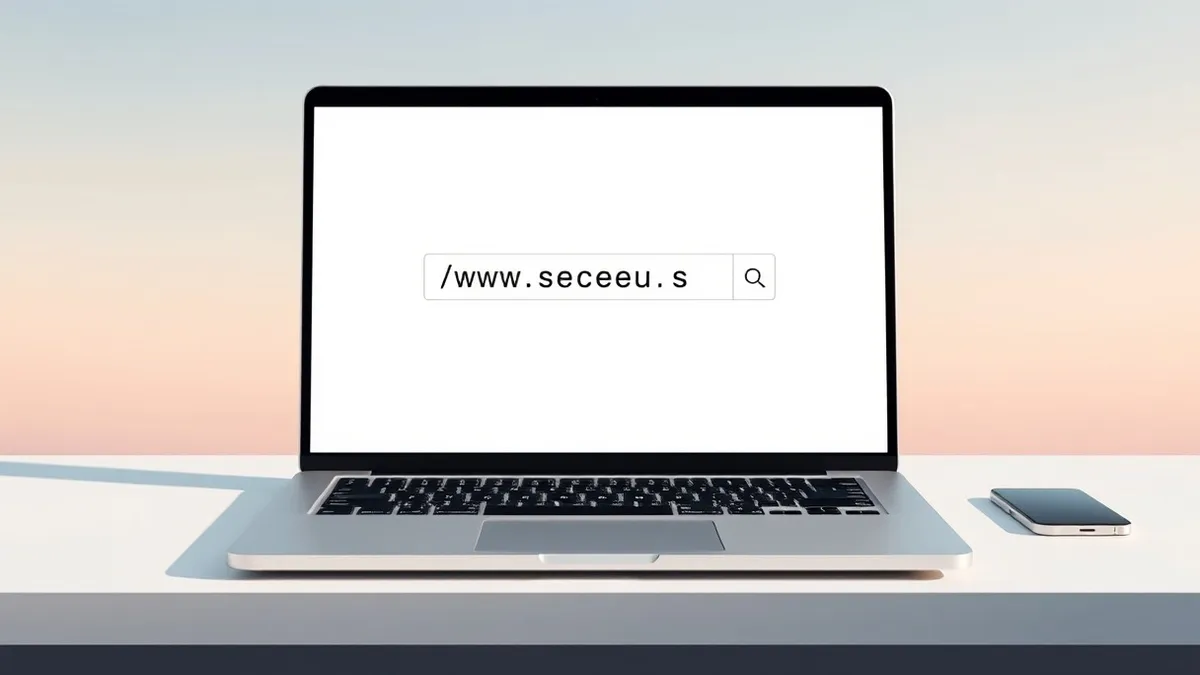
Cybercriminals are actively exploiting visual ambiguities between rare Cyrillic and Latin characters to create deceptive Uniform Resource Locators (URLs) in Chromium-based browsers, according to a report published by The Register. This typosquatting technique allows attackers to impersonate popular and trusted websites by crafting domain names that appear identical to legitimate addresses to the casual observer.
The attack vector relies on the specific rendering of certain Unicode characters within the Chromium engine. By substituting standard Latin letters with visually similar Cyrillic counterparts, threat actors can register domains that look like legitimate sites. The Register highlights that this method opens up a world of typosquatting opportunities because the browser displays the mixed-script URL in a way that masks the underlying character differences from the user.
Context and Background
Typosquatting is a long-standing technique where attackers register domain names that are slight misspellings or visual variations of popular brands. Traditionally, this involved simple character swaps or omitted letters. However, the method described by The Register leverages the complexity of Unicode and internationalized domain names (IDNs).
The specific vulnerability lies in how Chromium browsers handle and display characters from different scripts that share similar glyphs. While the underlying data in the address bar contains distinct Cyrillic code points, the visual presentation in the browser interface renders them indistinguishable from their Latin equivalents. This discrepancy creates a significant security gap where users trust the visual appearance of the URL without verifying the actual character set used.
Who Is Affected
All users of browsers built on the Chromium engine are potentially affected by this issue. This includes Google Chrome, Microsoft Edge, Opera, and other Chromium-based browsers widely used across personal and enterprise environments. The Register notes that the abuse of these rare characters allows attackers to target users visiting popular websites.
Security professionals should note that this is not a software bug in the traditional sense but rather an exploitation of standard Unicode rendering behaviors. Consequently, the risk is pervasive across any system using a Chromium-based browser. Users who rely solely on visual inspection of the address bar to verify website legitimacy are the primary targets of this social engineering tactic.
What should you do?
Security teams should monitor for unusual domain registrations that utilize mixed scripts or rare Unicode characters. Users are advised to be cautious when clicking links, especially in phishing emails, and to verify the actual character composition of URLs when possible. Organizations may consider implementing DNS filtering rules that flag domains containing specific Cyrillic characters in contexts where they are unexpected.
Background: Social engineering
Look for urgency, secrecy, and deviation from standard channels. Verify identity through a separate, known communication path before acting. Isolate suspicious interactions immediately to prevent lateral movement within your network environment.
Read the full guide: Social Engineering Warning Signs and How to Respond
What to do and how to stay safe: Chromium
- Inspect the raw URL data in your browser’s address bar or developer tools to identify non-Latin characters that mimic standard letters.
- Configure email security gateways to flag messages containing links with mixed-script domains or unusual Unicode characters in the URL path.
- Educate users to hover over links before clicking to reveal the true destination URL and check for unexpected character substitutions.
- Implement DNS security solutions that can detect and block traffic to domains registered with visually ambiguous internationalized domain name characters.
General security guidance from the Threat Times newsroom. It is not confirmed advice from the organisations named in this story.
Frequently asked questions
Which browsers are vulnerable to this Cyrillic typosquatting technique?
Chromium-based browsers, including Google Chrome and Microsoft Edge, are affected by this visual impersonation technique, according to The Register.
How do attackers create these deceptive websites?
Attackers register domains using rare Cyrillic letters that look identical to Latin letters, causing the browser to display a URL that appears legitimate to the user.
Is there a software patch available for this issue?
No fix has been confirmed yet, as this technique exploits standard Unicode rendering behaviors rather than a specific software vulnerability.