Microsoft releases VS Code 1.142 with new Kanban board for AI agents
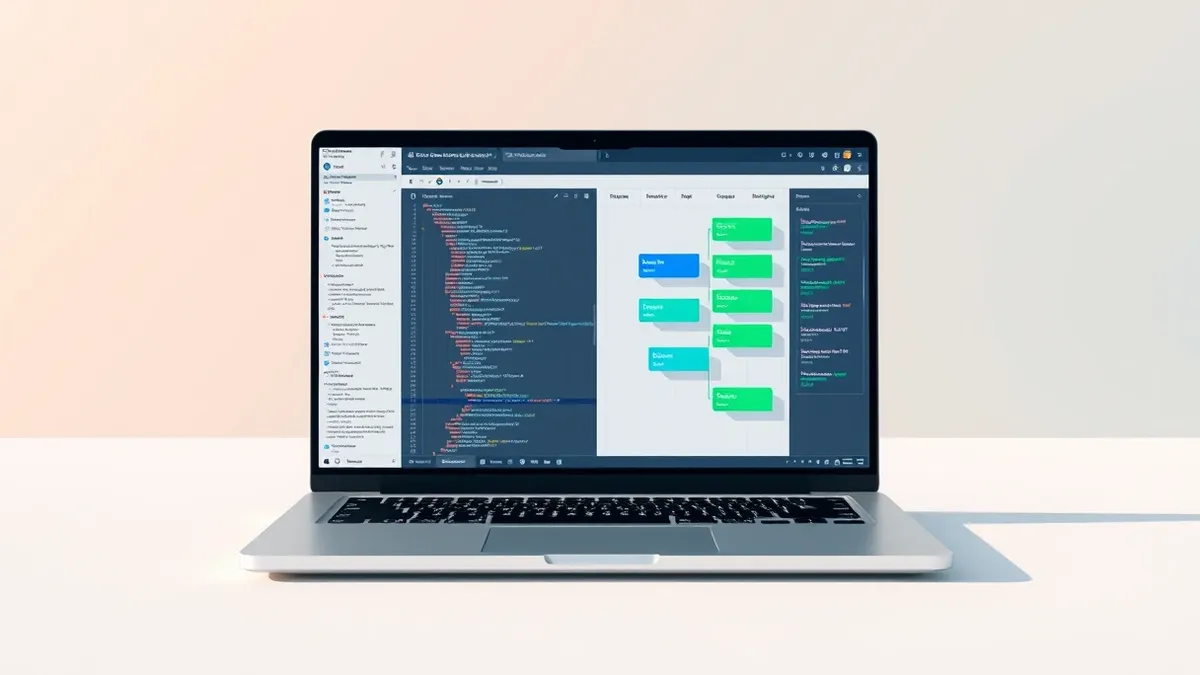
The latest Visual Studio Code update introduces a side-by-side Kanban interface, allowing AI agents to track their own tasks directly within the editor.
Key points
- VS Code version 1.142 has been released with a focus on AI agent collaboration.
- The update includes a new side-by-side Kanban board for AI agents to track tasks.
- Microsoft aims to improve how developers work alongside AI agents in the IDE.
Microsoft has released version 1.142 of its Visual Studio Code editor, introducing significant enhancements for users working with AI agents. According to a report by Neowin, the primary focus of this update is improving the collaboration experience between developers and AI tools. The release adds a new interface element designed to help manage agent activities more effectively.
The key addition in VS Code 1.142 is a side-by-side Kanban board. This feature allows AI agents to track their own tasks visually within the editor. The update represents a shift toward deeper integration of AI workflows into the standard development environment. It provides a structured way for agents to manage their operations alongside the developer's code.
Context for the Update
Microsoft has been incrementally adding AI capabilities to Visual Studio Code over recent months. This latest release continues that trajectory by focusing on task management for agents. The Kanban board provides a visual interface for monitoring agent workflows. This aligns with broader industry trends of treating AI as a collaborative partner in the development lifecycle, rather than just an automated tool.
Who Is Affected
Developers using Visual Studio Code version 1.142 or later are directly affected by this change. Users who rely on AI agents for coding assistance may see the new interface. The feature is integrated into the core editor, appearing as a new way to collaborate side-by-side. Teams adopting AI-driven development practices may find this update relevant for managing agent tasks.
What should you do?
Users should update to VS Code 1.142 to access the new AI agent tracking features. Developers should review the updated documentation to understand how to configure the Kanban board for their specific workflows. Teams should assess whether this new interface improves their current AI collaboration processes. Monitoring for future updates will help ensure continued compatibility with evolving AI agent capabilities.
What to do and how to stay safe: Microsoft
- Update your Visual Studio Code installation to version 1.142 to access the new Kanban board.
- Review Microsoft’s documentation on AI agent integration to configure the task tracking interface.
- Test the side-by-side view with your current AI workflows to assess usability.
- Monitor future release notes for additional enhancements to AI agent collaboration features.
Step-by-step guide: Prompt Injection Warning Signs: How to Spot AI Manipulation
General security guidance from the Threat Times newsroom. It is not confirmed advice from the organisations named in this story.
Frequently asked questions
What is new in VS Code 1.142?
Version 1.142 introduces a side-by-side Kanban board that allows AI agents to track their own tasks within the editor.
Is this a security update?
No, the reported changes focus on user interface improvements for AI agent collaboration, not security patches or vulnerability fixes.
Do I need an extension to use the Kanban board?
The source material does not specify whether extensions are required, only that the feature is part of the VS Code 1.142 release.