Microsoft brings full Word, Excel, and PowerPoint experience to the Copilot app
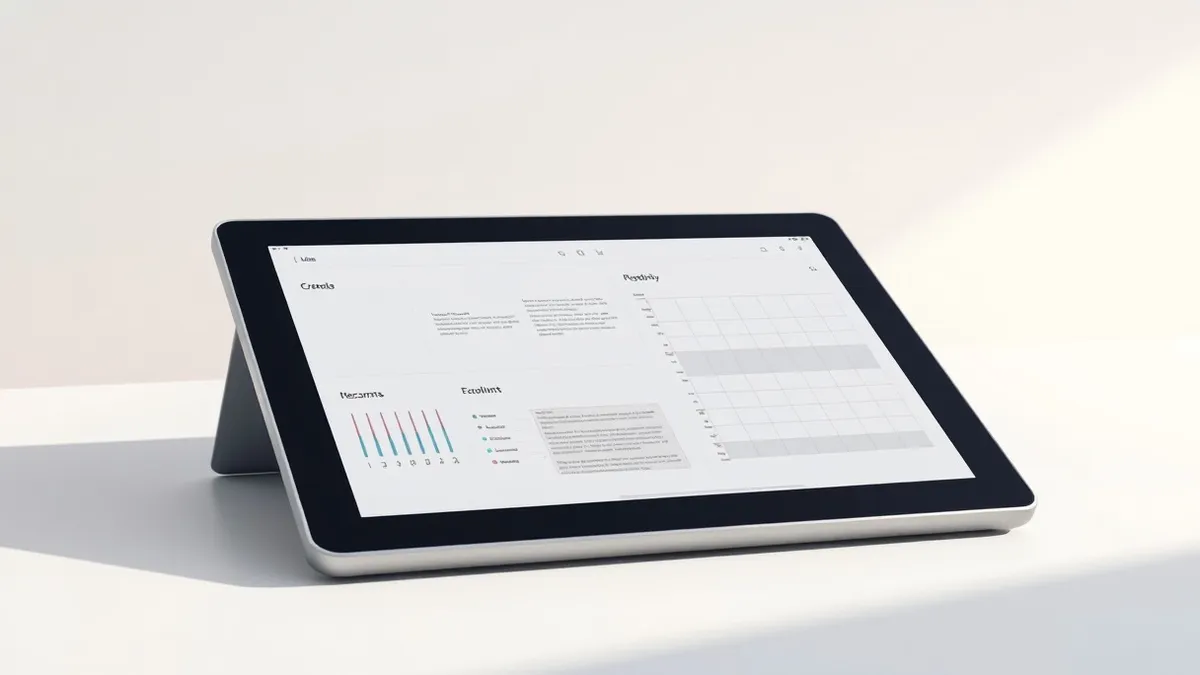
Microsoft has shifted its strategy by embedding full Office application experiences directly into the standalone Copilot interface.
Key points
- Microsoft is integrating full Word, Excel, and PowerPoint functionality into the Copilot app.
- This move reverses the previous strategy of embedding Copilot strictly within Office applications.
- The change provides a unified interface for document creation and management via AI.
Microsoft has officially brought the full experience of Word, Excel, and PowerPoint to its standalone Copilot application, according to a report by Neowin. This development marks a significant shift in how the technology giant delivers its productivity software to users. The update allows users to access comprehensive office tools directly within the Copilot interface.
The integration means that the Copilot app is no longer just a conversational AI assistant. It now serves as a primary hub for creating and editing documents, spreadsheets, and presentations. Users can engage with the full feature sets of these core Office applications without switching contexts. This change consolidates productivity tasks into a single, AI-centric environment.
Strategic Shift in Product Delivery
Microsoft previously spent years embedding Copilot capabilities directly into individual Office applications. The company focused on integrating AI features within Word, Excel, and PowerPoint separately. This approach required users to navigate between different application windows to utilize AI assistance effectively. The new strategy flips this script by bringing the Office experience to the Copilot app instead.
According to Neowin, this reversal indicates a broader push toward AI-first interfaces. The company is prioritizing the Copilot platform as the central entry point for productivity. This move suggests that Microsoft views the standalone app as the future of document management. The integration aims to streamline workflows by reducing application switching for end users.
Impact on Users and Workflows
This development affects professionals who rely on Microsoft Office for daily tasks. Users of the Copilot app will now have immediate access to full document editing capabilities. The change may alter how organizations structure their software deployment and licensing strategies. IT administrators may need to adjust policies regarding application access and usage.
The integration also impacts how users interact with AI-assisted creation tools. Document generation and editing are now housed within the AI chat interface. This could lead to faster content creation but may require users to adapt to a new workflow. The shift emphasizes natural language interaction as the primary method for working with data.
What should you do?
Security and technology professionals should monitor how this integration affects application security boundaries. The consolidation of tools into a single app may change permission models. Teams should review access controls to ensure that sensitive data remains protected within the new interface. Testing the new features in a controlled environment is advisable before widespread adoption.
What to do and how to stay safe: Microsoft
- Review application permission settings within the new Copilot interface to ensure appropriate data access controls are in place.
- Test the integrated Word, Excel, and PowerPoint features in a sandbox environment to identify potential workflow disruptions.
- Monitor vendor documentation for updates on security implications related to the consolidated application architecture.
- Assess whether current training materials need updating to reflect the new AI-centric document creation process.
Step-by-step guide: Prompt Injection Warning Signs: How to Spot AI Manipulation
General security guidance from the Threat Times newsroom. It is not confirmed advice from the organisations named in this story.
Frequently asked questions
Which Microsoft applications are now fully integrated into the Copilot app?
Microsoft has integrated the full experience of Word, Excel, and PowerPoint into the Copilot app.
How does this change differ from previous Microsoft strategies?
Previously, Microsoft embedded Copilot into Office apps, but now it is bringing the full Office experience to the Copilot app.
Which outlet reported on this development?
The report on this strategic shift was published by Neowin.