Llama for Windows enables local AI model execution without administrative privileges
New Microsoft tool allows users to download and run local AI models on Windows PCs with a single click, removing the need for elevated system rights.
Key points
- Llama for Windows simplifies local AI model deployment on personal computers.
- The application does not require administrative rights for installation or setup.
- Users can download and execute models through a single-click interface.
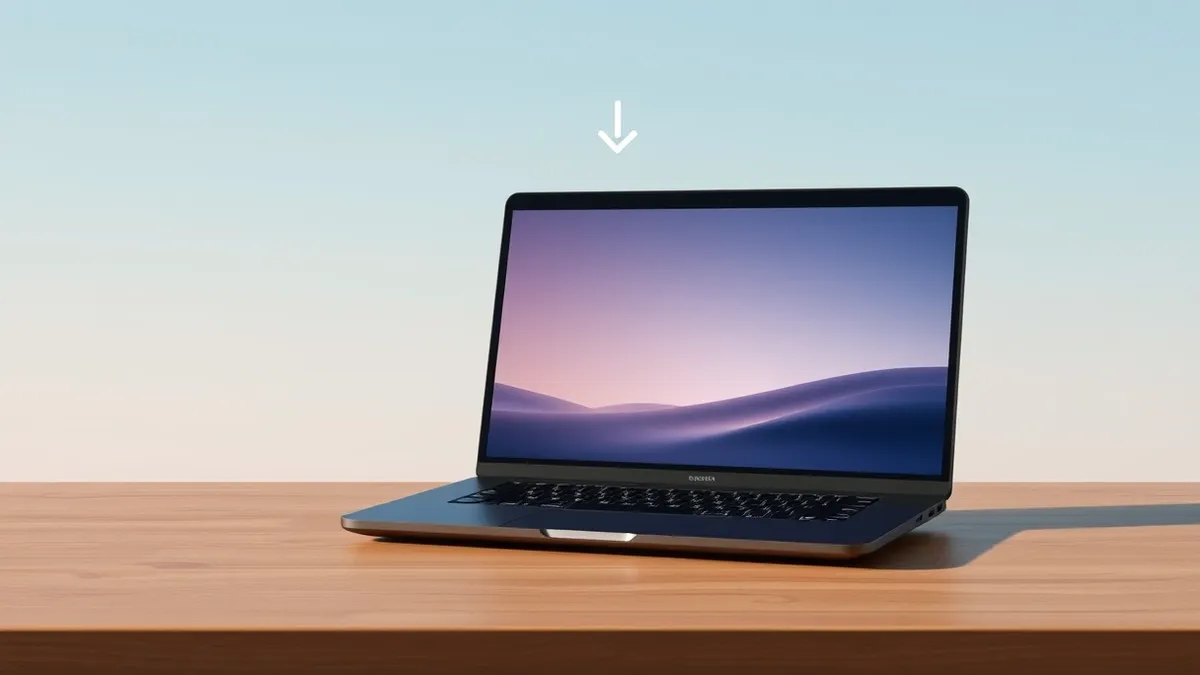
A new application named Llama for Windows allows users to download and run local artificial intelligence models directly on their personal computers. According to Neowin, this tool significantly simplifies the process of executing AI workloads locally. The release aims to make local AI inference more accessible to general users.
The primary feature of this application is its ability to handle model downloads and execution in a single click. Neowin reports that users do not need administrative rights to set up or run these models. This design choice lowers the barrier to entry for individuals who lack elevated privileges on their workstations. It allows for easier setup compared to traditional methods.
Simplified Local Execution
The tool focuses on ease of use for running AI models directly on the hardware. Neowin states that the process is significantly easier than previous methods for local model deployment. By integrating download and execution capabilities, the application streamlines the workflow for users interested in local AI. This approach facilitates direct interaction with models on the PC.
User Access and Privileges
Administrative rights are typically required for installing many development environments and system-level tools. However, Llama for Windows operates without needing these elevated permissions. According to Neowin, the setup process is designed to function within standard user constraints. This allows users to set up the tool without requiring admin credentials.
What should you do?
Security teams should assess whether local AI model execution aligns with their data governance policies. Users should verify the source of any models they download to avoid executing malicious code. Organizations may need to update endpoint detection rules to monitor for unexpected AI workload activity.
What to do and how to stay safe: Microsoft
- Verify that local AI execution is permitted under your organization's acceptable use policy.
- Ensure downloaded AI models come from trusted and verified sources only.
- Monitor system resources for unusual CPU or GPU usage indicative of background AI tasks.
- Keep the Windows operating system and the application updated to address any potential vulnerabilities.
Step-by-step guide: Prompt Injection Warning Signs: How to Spot AI Manipulation
General security guidance from the Threat Times newsroom. It is not confirmed advice from the organisations named in this story.
Frequently asked questions
Does Llama for Windows require administrator access to install?
No, according to Neowin, the application does not require admin rights to set up or run.
How does Llama for Windows simplify AI model usage?
It allows users to download and run local AI models in a single click on their Windows PC.
What is the main benefit for standard users?
Standard users can run local AI models without needing elevated administrative privileges on their systems.