What Is System Hardening: Reduce Attack Surface and Risk
System hardening removes unused services and default configurations that attackers exploit, transforming a standard installation into a minimal, resistant environment.

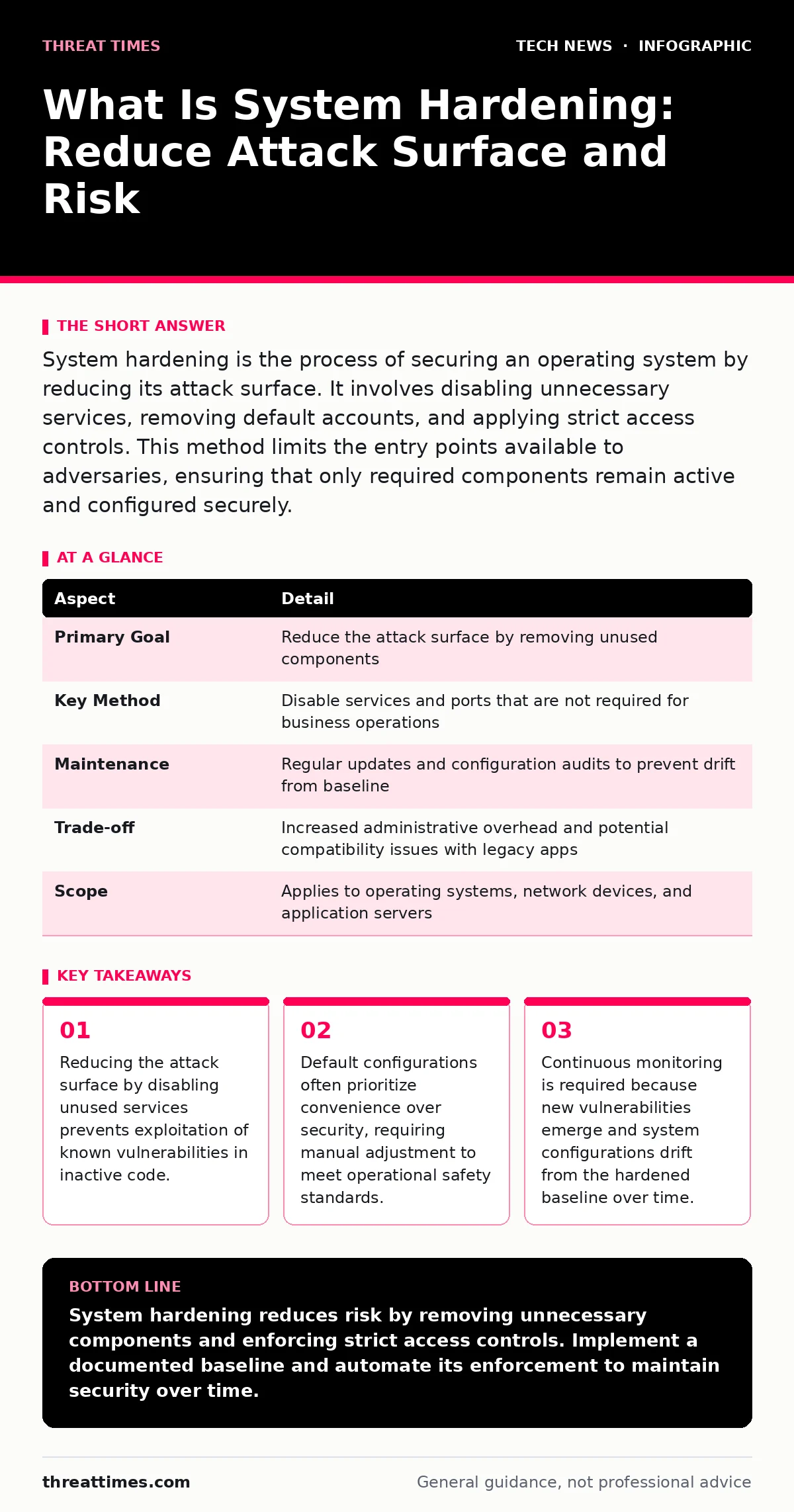
System hardening is the process of securing an operating system by reducing its attack surface. It involves disabling unnecessary services, removing default accounts, and applying strict access controls. This method limits the entry points available to adversaries, ensuring that only required components remain active and configured securely.
What is system hardening
System hardening is the practice of securing an operating system by minimizing its attack surface. You achieve this by removing unnecessary software, disabling unused services, and applying strict access controls. The goal is to eliminate potential entry points that an adversary could exploit. A standard installation includes many features you may never use. Each feature represents potential code that can contain vulnerabilities. Hardening strips these away, leaving only what is strictly necessary for the system to function. This reduction in complexity makes it harder for attackers to find a foothold.
| Aspect | Detail |
|---|---|
| Primary Goal | Reduce the attack surface by removing unused components |
| Key Method | Disable services and ports that are not required for business operations |
| Maintenance | Regular updates and configuration audits to prevent drift from baseline |
| Trade-off | Increased administrative overhead and potential compatibility issues with legacy apps |
| Scope | Applies to operating systems, network devices, and application servers |
How hardening works
Hardening operates on the principle of least privilege. You grant users and processes only the permissions they need to perform their specific tasks. Nothing more. This limits the damage if an account is compromised. You start by auditing the system. Identify every service, port, and application running on the machine. Compare this list against your operational requirements.
Disable anything that does not have a clear business purpose. For example, a web server does not need a mail transfer agent. Removing it eliminates a vector for email-based attacks. You also change default passwords and rename or disable default administrative accounts. Attackers scan for these known defaults. Changing them forces them to guess or exploit a vulnerability instead.
Who it affects
Every organization that operates computers is affected by system hardening. This includes small businesses, large enterprises, and government agencies. The impact varies by role. System administrators spend more time configuring and maintaining hardened systems. They must ensure that security measures do not break business applications. Developers must write code that works within restricted environments.
They cannot rely on broad permissions or default settings. End users experience fewer changes, but they may encounter stricter login requirements or blocked features. The security team benefits from a more predictable environment. Fewer vulnerabilities mean fewer incidents to investigate. However, the burden of ensuring compatibility falls on IT operations. You must balance security with usability.
What people usually get wrong
Many teams treat hardening as a one-time task. They configure the system, deploy it, and forget it. This is a critical error. Software updates introduce new services. Configuration changes accumulate over time. This drift creates new vulnerabilities. You must treat hardening as a continuous process. Another common mistake is assuming that hardening equals security.
Hardening reduces risk, but it does not eliminate it. You still need monitoring, logging, and incident response. Some teams over-harden systems. They disable so many features that users cannot do their jobs. This leads to workarounds, such as using unauthorized personal devices. Those workarounds often bypass security controls entirely. You must find the balance. Secure the system without breaking the workflow.
The hidden cost of convenience
Default configurations are designed for ease of use, not security. Manufacturers want users to get started quickly. They enable common services and set permissive rules. This convenience comes at a high cost. Every enabled service is a potential door for an attacker. Every permissive rule is a gap in your defense. You pay for this convenience in increased risk.
Hardening requires you to reject this default convenience. You must manually configure each component. This takes time and expertise. It also requires documentation. If you do not document your hardening steps, you cannot reproduce them. This makes recovery from a failure difficult. The cost is upfront effort. The benefit is long-term resilience.
Integration with related controls
System hardening does not exist in isolation. It works best when combined with other security measures. For instance, laptop security policies ensure that portable devices are hardened against physical theft and network attacks. Wi-Fi security protects the network layer, preventing unauthorized access to hardened systems.
You should also consider mobile device security for smartphones and tablets that connect to your network. These devices often have weaker operating systems. Hardening them requires different techniques, such as enforcing encryption and remote wipe capabilities. Integrating these controls creates a layered defense. If one layer fails, another may stop the attack. This approach is more effective than relying on a single control.
What to do about it
Start by defining a baseline configuration. Document the exact settings for your operating system. Include disabled services, firewall rules, and user permissions. Use automation tools to apply this baseline to all new systems. This ensures consistency. Regularly audit your existing systems against the baseline. Identify any deviations. Investigate why they occurred.
Was it a necessary change, or was it an unauthorized modification? Patch your systems promptly. Updates often fix vulnerabilities in services you have kept enabled. Disable any new services that are not required. Train your staff on the importance of hardening. They need to understand why certain features are disabled. This reduces resistance and encourages compliance.
Advanced considerations
For high-security environments, you may need to go further. Consider using immutable infrastructure. These systems cannot be changed after deployment. Any change requires a new deployment. This prevents runtime tampering. You can also use application whitelisting. This allows only approved applications to run. All other executables are blocked.
This stops malware from executing, even if it bypasses other defenses. However, these measures are strict. They require careful planning. You must ensure that all necessary applications are whitelisted. Otherwise, users will be unable to perform their tasks. Test these advanced controls thoroughly. They can disrupt operations if implemented incorrectly.
Maintaining the baseline
Over time, systems change. You add new software. You modify permissions. You update configurations. These changes can drift the system away from its hardened state. You must monitor this drift. Use configuration management tools to enforce the baseline. These tools can detect and correct unauthorized changes automatically. This reduces the manual effort required for audits. You should also review your baseline regularly. New business requirements may necessitate new services. Evaluate the risk of each new service. If you must enable it, harden it specifically. Document the change. Update the baseline. This ensures that your security posture remains strong despite operational changes.
Key takeaways
- Reducing the attack surface by disabling unused services prevents exploitation of known vulnerabilities in inactive code.
- Default configurations often prioritize convenience over security, requiring manual adjustment to meet operational safety standards.
- Continuous monitoring is required because new vulnerabilities emerge and system configurations drift from the hardened baseline over time.
System hardening reduces risk by removing unnecessary components and enforcing strict access controls. Implement a documented baseline and automate its enforcement to maintain security over time.
Frequently asked questions
Does hardening slow down system performance?
Hardening can improve performance by disabling unused services that consume resources. However, strict security controls may add slight overhead to authentication processes.
How often should I review my hardening baseline?
Review your baseline at least quarterly or after any significant software update. This ensures that new vulnerabilities are addressed and configurations remain aligned with security goals.
Can I harden a system that is already in production?
Yes, but you must test changes carefully. Apply updates in a staging environment first. Schedule maintenance windows to minimize disruption to users and business operations.
Is hardening different for cloud servers?
The principles are the same, but the implementation differs. Cloud providers offer specific tools and shared responsibilities. You must harden the operating system and applications, while the provider secures the underlying infrastructure.
How this guide was produced: written by the Threat Times editorial team with AI assistance, checked against the public references listed below, and reviewed when the facts change. See our editorial policy or report an error.