ShyGlass Mac App Uses AirPods Head Tracking to Blur Screen on Look Away
A new macOS utility blurs the display when AirPods detect the user looking away, raising questions about screen recording permissions required for the privacy feature.
Key points
- ShyGlass uses AirPods motion sensors to detect head movement and blur the Mac screen.
- The app requires Screen Recording permission to capture the display for blurring.
- Developer Max Rovensky states captured images remain in memory and are not saved.
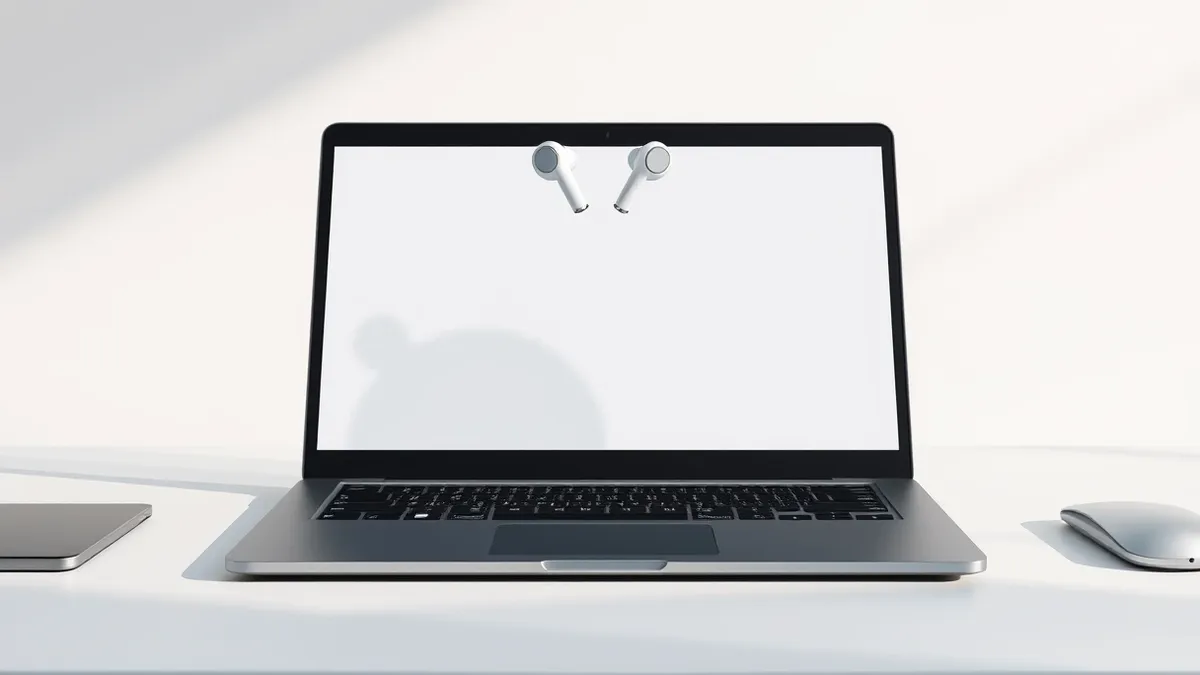
Mac developer Max Rovensky released ShyGlass, an application that blurs the screen of a MacBook when the user looks away. The tool relies on AirPods to detect head movement through motion sensors, triggering the visual effect automatically. This functionality was demonstrated in a video posted on X last month.
The application gained significant attention after its demo video accumulated more than 230,000 views on the social platform. According to 9to5Mac, the tool addresses a common privacy concern for professionals working in public spaces like coffee shops or hotels. The mechanism activates when the user turns their head beyond a specific angle.
How the Technology Works
ShyGlass utilizes the same motion data that Apple employs for dynamic head tracking in Spatial Audio. This existing feature keeps audio anchored when a user moves their head while listening to music. Rovensky repurposed this sensor data to detect user presence rather than audio positioning.
Users must calibrate a center position from the menu bar before using the tool. Once calibrated, the app monitors head positioning relative to that center point. If the head drifts past a set angle, a blur effect fades in over the display until it is fully covered.
The default threshold for triggering the blur is fifteen degrees, but users can adjust this sensitivity. The adjustable range spans from two degrees to thirty degrees, allowing for customization based on user preference and environment. When the user turns their head back to the center position, the screen unblurs itself automatically.
Permission Concerns and Privacy Trade-offs
To function, ShyGlass requires the Screen Recording permission on macOS. This is one of the most powerful permissions available on the operating system, granting access to display content. The necessity of this permission for a privacy-focused tool presents an ironic security trade-off for users.
The app needs to pull a snapshot of the user’s display to apply the blur effect effectively. According to the developer, these snapshots stay in memory and are never saved to disk or uploaded to external servers. Capture stops immediately when the blur effect ends and the screen returns to normal.
While Rovensky assures users that the data is ephemeral, the requirement itself warrants caution. Screen Recording access allows any application to potentially view everything on the display. Security professionals note that granting such broad access should be done with careful consideration of the app's source and behavior.
What should you do?
Users interested in this type of privacy protection should evaluate whether the convenience outweighs the permission risk. Those who grant Screen Recording access should monitor which apps hold this privilege regularly. It is advisable to restrict this permission only to trusted applications that require it for legitimate functionality.
What to do and how to stay safe: ShyGlass
- Review the Screen Recording permissions in System Settings to ensure only necessary apps have access.
- Verify the developer and source of any new utility before granting broad system permissions.
- Adjust the sensitivity settings of head-tracking apps to prevent accidental activation or failure.
- Monitor app updates for changes in permission requirements or data handling policies.
General security guidance from the Threat Times newsroom. It is not confirmed advice from the organisations named in this story.
Frequently asked questions
Does ShyGlass save screenshots of my screen?
According to the developer, the app keeps snapshots in memory only and does not save or upload them.
What hardware is required to use ShyGlass?
The application requires a Mac and a pair of AirPods to utilize the motion sensors for head tracking.
How sensitive is the head detection feature?
The default angle is fifteen degrees, but users can adjust the sensitivity between two and thirty degrees.