Proofpoint launches Microsoft 365 risk dashboard and AI assistant for MSPs
Proofpoint introduces four new security features for managed service providers, including a tenant risk exposure map and an AI coach for Teams training.
Key points
- Proofpoint added a Tenant Risk Exposure dashboard to its Microsoft 365 security suite for managed service providers.
- The company integrated an AI coach into Microsoft Teams to quiz employees on security awareness after training sessions.
- Email verdicts from the provider’s AI now include explanations of how the decisions were reached to assist administrators.
Cybersecurity vendor Proofpoint Inc. announced four new Microsoft 365 security features today, targeting managed service providers and the small and midsize businesses they support. According to SiliconANGLE, the additions aim to help these organizations adopt artificial intelligence tools safely while managing existing risks.
The new capabilities are part of the Proofpoint MSP Platform, which handles the company’s work with managed service providers. The suite includes a Tenant Risk Exposure dashboard, explained AI email verdicts, an AI coach for Microsoft Teams training, and an AI assistant for administrators. These tools address the growing need for safe AI adoption in enterprise environments.
Context and Background
Daniel Hofmann, general manager of Proofpoint MSP Platform, stated that data access and channel reach matter as much as the AI tool selection. He noted that overly broad permissions and unclear sharing settings existed before AI arrived. Using new technology can amplify the impact of these pre-existing configuration weaknesses, making visibility crucial for security teams.
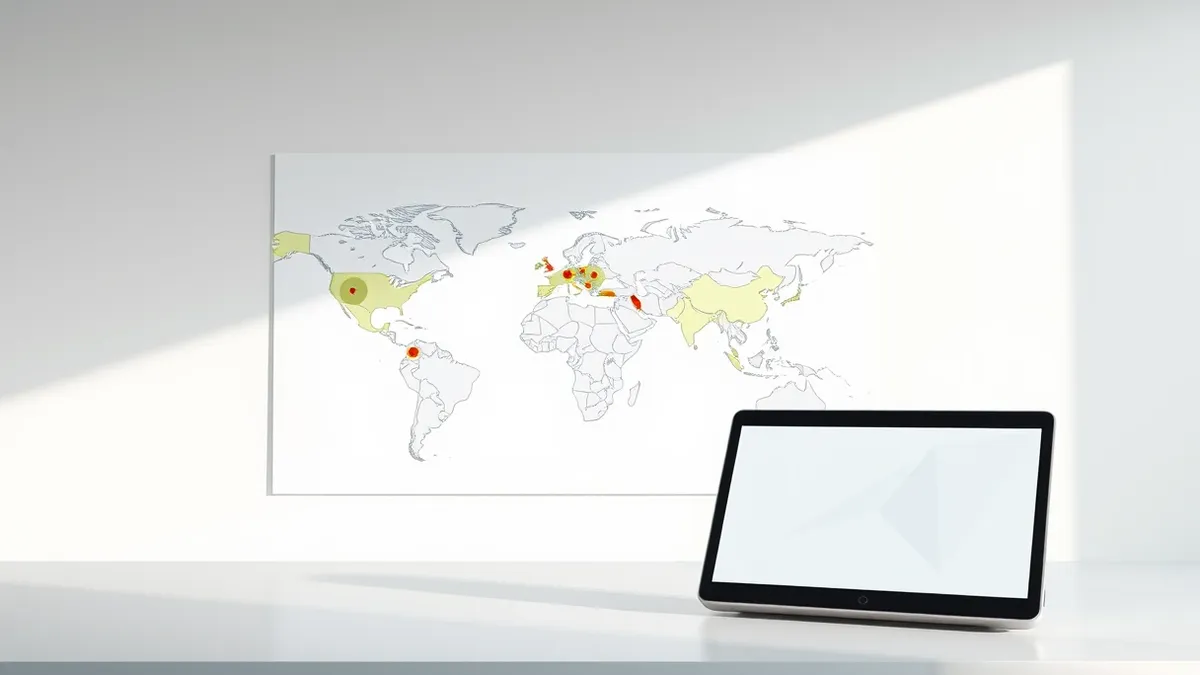
The Tenant Risk Exposure dashboard maps permission and sharing risks across Microsoft 365 tenants. It is designed for administrators who already use Proofpoint’s 365 Permission Manager. The tool identifies where anonymous access and inactive guest accounts have appeared, providing a clear view of potential exposure points within each tenant environment.
Administrators can use shortcuts beside each finding to manually close off risks or run automatic remediation. This functionality helps security teams quickly address gaps in access rights. The dashboard provides a tenant-by-tenant view, allowing providers to manage multiple client environments efficiently and ensure consistent security postures across their managed infrastructure.
Who Is Affected
Security teams reviewing messages in Email Live Tracking will now see why the AI reached its verdict on specific emails. Proofpoint says this transparency should speed up work on rare false positives. By explaining the reasoning behind automated decisions, the feature reduces the time administrators spend investigating legitimate messages that were incorrectly flagged by the system.
The AI-powered Security Awareness Service now operates inside Microsoft Teams. After employees finish an e-learning session, AI.MY, the unit’s AI Cyber Assistant, acts as a coach. It asks three follow-up questions pitched at each person’s awareness level, providing immediate feedback. This integration brings training directly into the communication platform employees use daily.
Answers to the coaching questions go into a knowledge profile that organizations can use to measure learning progress. This data helps companies determine who needs additional training. The fourth feature is an AI assistant for partners and administrators, built into the control panel of Proofpoint 365 Total Protection, a suite originally developed by Hornetsecurity GmbH.
What should you do?
Organizations using Proofpoint’s Microsoft 365 security products should review the new Tenant Risk Exposure dashboard to identify anonymous access or inactive guest accounts. Administrators can use the provided shortcuts to remediate these risks manually or automatically. Security teams should also test the new AI email verdict explanations to streamline their investigation workflows and reduce false positive handling time.
What to do and how to stay safe: Proofpoint
- Review your Microsoft 365 tenant permissions for anonymous access and inactive guest accounts using the new dashboard.
- Configure automatic remediation for identified permission risks to reduce manual administrative overhead.
- Monitor employee engagement with the AI coach in Microsoft Teams to assess security awareness progress.
- Verify that AI email verdict explanations are being used to speed up false positive investigations.
Step-by-step guide: Mobile Device Security: How to Protect Data Beyond Passwords
General security guidance from the Threat Times newsroom. It is not confirmed advice from the organisations named in this story.
Frequently asked questions
What new features did Proofpoint announce for Microsoft 365?
Proofpoint unveiled a Tenant Risk Exposure dashboard, explained AI email verdicts, an AI coach for Teams training, and an AI assistant for administrators.
Who is the target audience for these new tools?
The tools are designed for managed service providers and the small and midsize businesses they support, according to SiliconANGLE.
How does the AI coach in Microsoft Teams work?
After training, the AI assistant quizzes employees with three questions based on their awareness level, creating a knowledge profile for progress tracking.