Mac.apk Enables Native Android App Execution on Apple Silicon Without Emulation
The open-source project runs Android binaries directly on macOS hardware, bypassing virtual machines and Linux kernels for native speed.
Key points
- Mac.apk executes Android applications directly on Apple Silicon processors without using an emulator or virtual machine layer.
- The software requires any Apple Silicon Mac, including the MacBook Neo, and does not support Intel-based Macintosh computers.
- Installation involves dragging a disk image to Applications, with apps launching as standard macOS processes in their own windows.
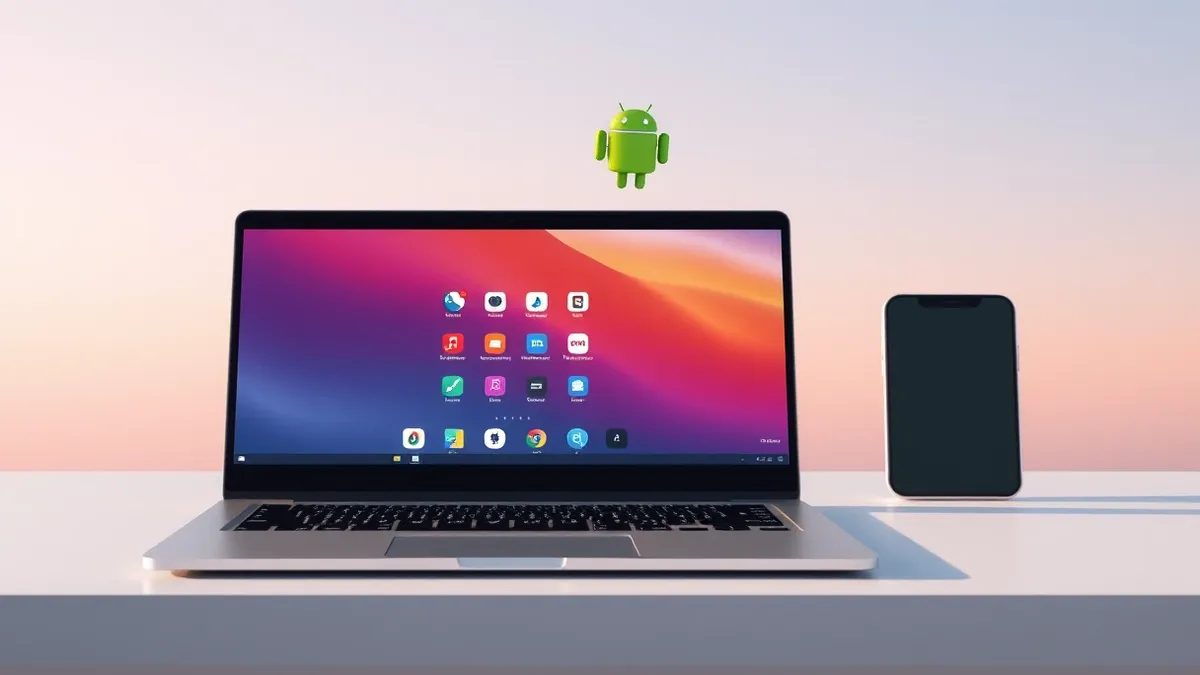
An open-source project named Mac.apk allows users to run Android applications natively on Apple Silicon Macs without relying on emulators or virtual machines. According to a Hacker News front-page report, the software implements the Android application environment directly on top of macOS, enabling apps to execute at native CPU speeds and draw through the Mac’s GPU.
The tool launches Android apps as ordinary macOS processes that appear in the Dock and feature standard window controls, including a back button. These windows can resize, rotate, and switch between light and dark modes to match the host system. The project is currently in alpha status, meaning it is early software under active development where some applications run fully while others do not yet function.
Technical Architecture and Compatibility
Mac.apk operates without booting Android in the background or running a Linux kernel underneath the interface. According to the GitHub repository documentation, there is no instruction-by-instruction interpretation involved in the process. The software implements the necessary Android application environment directly on the macOS operating system.
The project supports any Apple Silicon Mac, including the MacBook Neo, but explicitly states that Intel Macs are not supported. The Mac.apk application itself is approximately 280 MB in size. Each installed Android app consumes roughly 1.5 to 3 times its original APK size on the host drive, as the data lives inside its own .app bundle.
Installation and Usage Details
Users download a disk image from the project’s Releases page and drag the Mac.apk file into their Applications folder. The software is signed and notarized by Apple, allowing it to open normally through standard security prompts. After installation, users must click Install next to Runtime in the top left corner and configure file type associations in Settings to handle APK files.
Double-clicking an APK, APKM, XAPK, APKS, or APKX file installs the application, or users can drag files onto the Mac.apk window. The first launch of any app can take up to a minute for large applications while the system prepares them, but subsequent launches are fast. Deleting an app by dragging it to the Trash also removes its saved data, so users should uninstall via the Mac.apk control panel to preserve saves.
What should you do?
Security professionals should monitor the compatibility list and known issues pages for updates on which applications function correctly. Because the software is in alpha, users may encounter partial functionality or crashes in certain apps. The project provides detailed troubleshooting guides and a mechanism for reporting problems to developers.
What to do and how to stay safe: Mac.apk
- Verify that your Mac uses Apple Silicon hardware, as Intel processors are not supported by this software.
- Review the project’s compatibility list to determine if specific Android applications work before attempting installation.
- Avoid deleting Android apps via the macOS Trash if you wish to preserve their saved data; use the built-in uninstaller instead.
- Monitor the GitHub repository for release notes and updates regarding the alpha status and new feature additions.
Step-by-step guide: Mobile Device Security: How to Protect Data Beyond Passwords
General security guidance from the Threat Times newsroom. It is not confirmed advice from the organisations named in this story.
Frequently asked questions
Does Mac.apk require a virtual machine or Linux kernel to run?
No, the software runs Android apps natively on macOS without emulators, virtual machines, or Linux kernels.
Can I use Mac.apk on an Intel-based Mac?
No, the software only supports Apple Silicon Macs, including the MacBook Neo.
How much storage space do Android apps take up?
Each installed app takes roughly 1.5 to 3 times its original APK size on the Mac.