HomePod Software 27.2 Beta Adds Sound Glow to Older HomePod Models
Apple’s HomePod Software 27.2 release candidate brings the Sound Glow lighting feature to the original HomePod mini and second-generation HomePod, alongside new audio controls.
Key points
- HomePod Software 27.2 is currently available as a release candidate for developers and public beta testers.
- The update introduces Sound Glow to the original HomePod mini and second-generation HomePod, a feature previously exclusive to the HomePod mini 2.
- New capabilities include using HomePods as default Mac speakers and as surround sound for Apple TV, plus a Lock Controls feature.
Apple has released HomePod Software 27.2 as a release candidate update for developers and public beta testers. According to MacRumors, this software version brings the Sound Glow feature to existing HomePod hardware, including the original HomePod mini and the second-generation HomePod. The general public release is expected to launch next week.
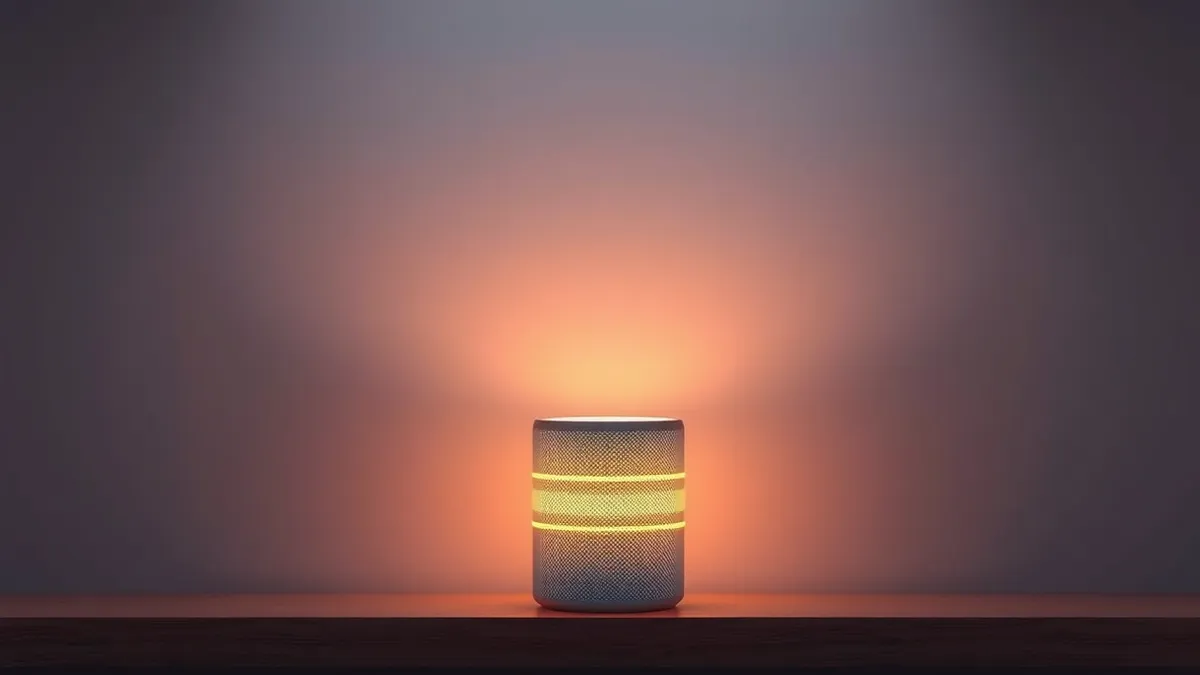
The Sound Glow feature causes the top of the HomePod or HomePod mini to light up with colors that pulse in sync with playing audio. The lighting draws colors from album artwork and works with songs, podcasts, and Apple’s ambient music feature. Users can enable Sound Glow through the HomePod settings or via the Apple TV Control Center if the devices are paired.
Feature Availability and Exclusions
Sound Glow was originally introduced as a feature for the HomePod mini 2. With HomePod Software 27.2, Apple has extended this capability to older models. However, the feature is not available on the original HomePod. The update ensures that owners of the original HomePod mini and the second-generation HomePod can access the same visual audio feedback as newer devices.
Additional Software Capabilities
Beyond Sound Glow, HomePod Software 27.2 adds support for using HomePods as the default speaker for a Mac. The update also allows users to employ HomePods or HomePod mini 2s as surround sound speakers for an Apple TV. Additionally, the software introduces a Lock Controls feature, which disables touch interactions with the top of the HomePod.
What should you do?
Users interested in testing these features can install HomePod Software 27.2 if they are enrolled in the developer or public beta programs. Those wishing to use Sound Glow must ensure their devices are updated and paired correctly with an Apple TV if they intend to use the Control Center for toggling the feature.
What to do and how to stay safe: Apple
- Check your HomePod settings to enable Sound Glow after updating to HomePod Software 27.2.
- Use the Apple TV Control Center to turn Sound Glow on or off if your HomePods are paired with an Apple TV.
- Enable the Lock Controls feature in HomePod settings to disable touch interactions on the device top.
- Verify that your HomePod model supports Sound Glow, as the original HomePod does not include this feature.
Step-by-step guide: Mobile Device Security: How to Protect Data Beyond Passwords
General security guidance from the Threat Times newsroom. It is not confirmed advice from the organisations named in this story.
Frequently asked questions
Which HomePod models support the Sound Glow feature in Software 27.2?
Sound Glow is available for the HomePod mini 2, the original HomePod mini, and the second-generation HomePod, but not the original HomePod.
When will HomePod Software 27.2 be available to the general public?
According to MacRumors, the update is currently a release candidate for beta testers and should launch next week for all users.
How can users control the Sound Glow feature?
Users can turn Sound Glow on or off through the HomePod settings or via the Apple TV Control Center if the devices are paired with an Apple TV.