Google Redesigns Search Bar in Mobile App, Adds New Feature Labels
Google is updating the mobile app interface with a new search bar design and distinct labels for emerging features like Search Live.
Key points
- Google is rolling out a redesigned search bar within its mobile application.
- The update introduces specific labels for features named Search Live and Nano Banana.
- The changes are currently being deployed to users of the Google app.
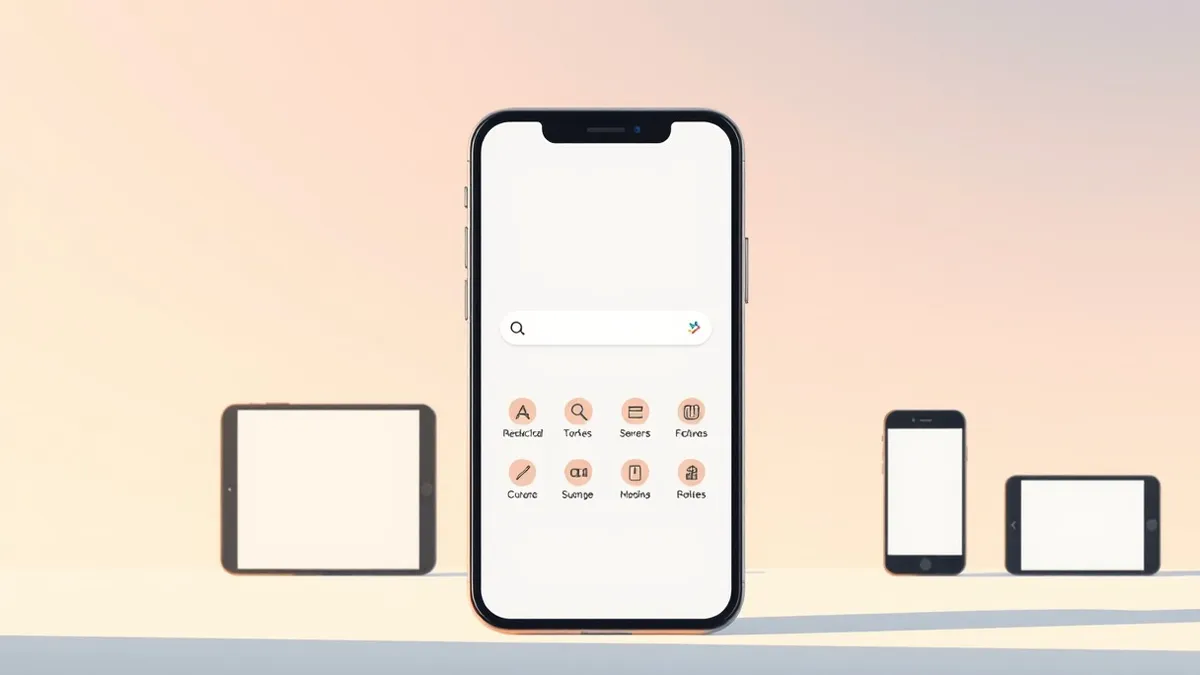
Google is actively rolling out a redesigned search bar interface within its mobile application. According to a report by Android Authority, the update also introduces specific labeling for features identified as Search Live and Nano Banana. This change affects the primary entry point for user queries on the platform.
The redesign focuses on the visual structure of the search component. Android Authority notes that the update includes explicit labels for Search Live and Nano Banana. These labels appear directly within the updated search bar area. The move suggests a shift toward clearer identification of distinct functionality within the main search interface.
Interface Changes and Feature Identification
The most visible change is the new design of the search bar itself. Android Authority reports that Google is implementing this visual update across the app. Alongside the aesthetic changes, the company is adding text labels to specific features. The report specifically names Search Live and Nano Banana as the features receiving these new identifiers.
This labeling strategy distinguishes these tools from standard search operations. By naming them explicitly, Google provides users with immediate context about the function of each button or option. The source material does not provide technical details on how these features operate beyond their naming. The focus remains on the user interface adjustments rather than backend changes.
User Impact and Rollout Status
Users of the Google mobile app are the primary recipients of this update. Android Authority indicates that the rollout is currently in progress. This means users may see the new interface at different times depending on their device and region. The update modifies the daily interaction point for millions of users who rely on the app for information retrieval.
The inclusion of Search Live and Nano Banana labels implies these are distinct modes or tools. Users encountering the new bar will see these names clearly marked. The source material does not specify the availability scope or experimental status of these features. The general rollout suggests a broad availability strategy for these labeled options.
What should you do?
Monitor your Google app for interface changes during the current rollout period. Check for the presence of Search Live and Nano Banana labels if you utilize advanced search tools. Review any changes to your search workflow to ensure the new design meets your needs. No immediate action is required unless you wish to explore the newly labeled features.
What to do and how to stay safe: Google
- Check your Google app settings to see if the redesigned search bar is available on your device.
- Identify the Search Live and Nano Banana labels to understand which features are currently active.
- Test the new search interface to ensure it functions correctly for your typical queries.
- Wait for further official documentation if you need detailed technical specifications of the new features.
General security guidance from the Threat Times newsroom. It is not confirmed advice from the organisations named in this story.
Frequently asked questions
What is changing in the Google app?
Google is rolling out a redesigned search bar that includes specific labels for features like Search Live and Nano Banana.
Who reported this update?
Android Authority reported that Google is implementing the new search bar design and feature labels.
Are Search Live and Nano Banana new features?
The source material confirms these are labeled features within the updated search bar, but does not specify if they are new.