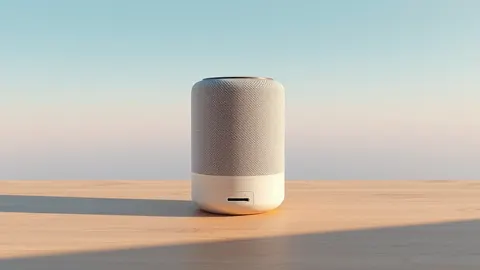
Apple HomeView Relies on iPhone for Third-Party App Access
The new HomeView device lacks an app store, requiring a paired iPhone or iPad to display third-party content and authenticate users.
Key points
- HomeView supports third-party audio, video, and widget apps via a CarPlay-like connection to an iPhone or iPad.
- The device uses facial recognition and voice to authenticate up to six household members before showing personal data.
- Apple did not create an App Store for HomeView, meaning no on-device downloads are possible.
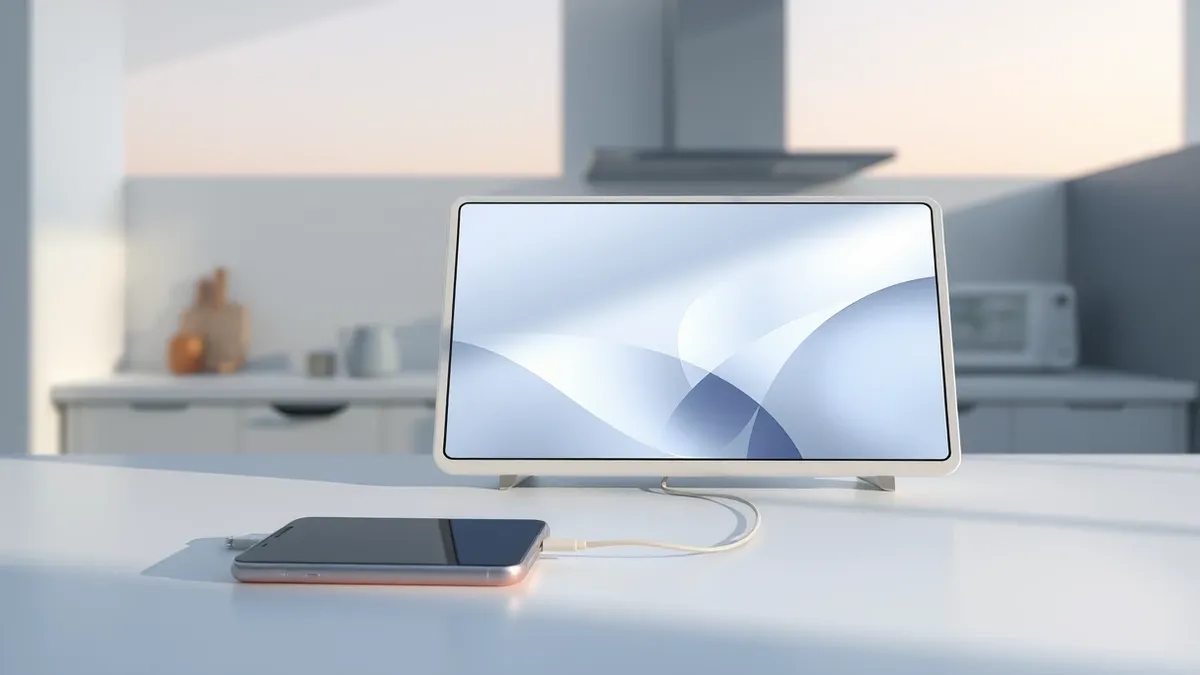
Apple’s new HomeView device supports third-party applications through a connection to a compatible iPhone or iPad, rather than through a dedicated app store on the device itself. According to MacRumors, this CarPlay-like system allows users to display audio and video apps from their mobile devices on the home screen.
The device comes with preinstalled Apple services such as Music, Podcasts, News, Calendar, FaceTime, and Messages. However, access to third-party content depends entirely on the linked mobile device. Developers can extend existing iOS video apps to HomeView, and audio apps designed for CarPlay, including Spotify and Audible, will also function on the new hardware.
Authentication and User Privacy
HomeView is designed to support up to six users within a single household. The device distinguishes between individuals using voice recognition and a camera located on the front of the unit. According to Apple, users must be recognized by the camera and have a paired, recently unlocked iPhone or iPad nearby to view compatible third-party apps and personal information.
Personal data from apps like Messages and Calendar is visible only to the authenticated user. Shared content, such as photo albums and music libraries, can be accessed by anyone in the home, including guests. Guests cannot view personal information due to the strict authentication requirements enforced by the device’s software.
Widget Support and Developer Guidelines
In addition to full applications, HomeView supports third-party widgets from iOS apps. According to 9to5Mac, any iOS app that provides widgets for CarPlay can also support HomeView, unless the developer explicitly excludes them. This includes popular services like Amazon, ChatGPT, and Instagram, which already offer CarPlay widgets.
Apple’s documentation states that developers are responsible for ensuring their widgets are functional and suitable for use on HomeView. Widgets that require extensive interaction or an unlocked phone may be disfavored or excluded. This broader widget support extends beyond the audio and video categories that define the main app compatibility.
What should you do?
Users interested in HomeView should verify that their current iPhone or iPad models are compatible with the device’s connectivity requirements. Since the device relies on a nearby, unlocked mobile device for app access, users should consider the security implications of keeping their phones unlocked in shared living spaces.
What to do and how to stay safe: Apple
- Ensure your iPhone or iPad is updated to the latest iOS version to support HomeView connectivity.
- Review which third-party apps you use to confirm they offer CarPlay or widget support.
- Check the privacy settings on your mobile device to manage what data is shared with HomeView.
- Verify that your household members are enrolled in the device’s user profiles for proper authentication.
Step-by-step guide: Mobile Device Security: How to Protect Data Beyond Passwords
General security guidance from the Threat Times newsroom. It is not confirmed advice from the organisations named in this story.
Frequently asked questions
Can I download apps directly onto the Apple HomeView?
No, Apple did not create an App Store for HomeView, so there is no on-device way to download apps.
How does HomeView know which user is looking at it?
The device uses a front-facing camera and voice recognition to authenticate enrolled users before displaying personal information.
Will all third-party apps work on HomeView?
Only third-party audio and video apps made for CarPlay, and widgets from iOS apps that support CarPlay, will work on HomeView.