Apple HomeView Launches Nov 13 With 15 Built-In Apps and CarPlay Support
Apple’s new HomeView hub ships November 13 with 15 native apps and support for select CarPlay audio and video titles from paired iPhones.
Key points
- HomeView launches on November 13 with 15 preinstalled Apple apps including Safari, Messages, and Home.
- The device lacks an App Store but supports third-party audio and video apps via CarPlay from a paired iPhone.
- Audiobooks, Apple News, Apple TV, and Apple Music Classical are listed as CarPlay-enabled apps available from a paired iPhone.
Apple will release its new HomeView smart home hub on Friday, November 13, according to MacRumors. The device is available for pre-order now and will ship with a specific set of 15 built-in applications. This launch marks the introduction of a new product category that runs software distinct from Apple’s existing mobile and desktop operating systems.
The HomeView does not include an App Store, meaning users cannot download additional software directly to the hub, according to MacRumors. Instead, the device relies on a fixed set of native applications and a CarPlay integration feature. This setup allows the wall-mounted display to show content from third-party audio and video applications that are already available in the CarPlay ecosystem, such as Spotify.
Software Capabilities and Limitations
The full list of 15 built-in Apple apps on the HomeView includes Alarms, Calendar, FaceTime, Find My, Home, Intercom, Messages, Music, Podcasts, Reminders, Safari, Settings, Timers, Weather, and World Clock, according to MacRumors. Most of these applications are preinstalled and ready for use immediately upon setup. The interface features a classic Home Screen with a grid of apps, in addition to voice interactions with Siri AI and customizable faces.
Separately, the HomeView can display CarPlay-enabled audio and video apps from a paired iPhone, according to MacRumors. This includes Audiobooks, Apple Music Classical, Apple News, and Apple TV, along with third-party apps such as Spotify. The latest version of the Apple Developer Program agreement confirms the availability of certain CarPlay apps and widgets on the HomeView.
User Experience and Ecosystem Integration
Third-party applications are supported on the HomeView only if they have a CarPlay version and are classified as audio or video apps, according to 9to5Mac. This means services like Spotify are expected to be available on day one, while other types of applications remain unsupported. The lack of a dedicated Photos app for browsing libraries is noted as a potential omission, although Photos faces and widgets are available for display.
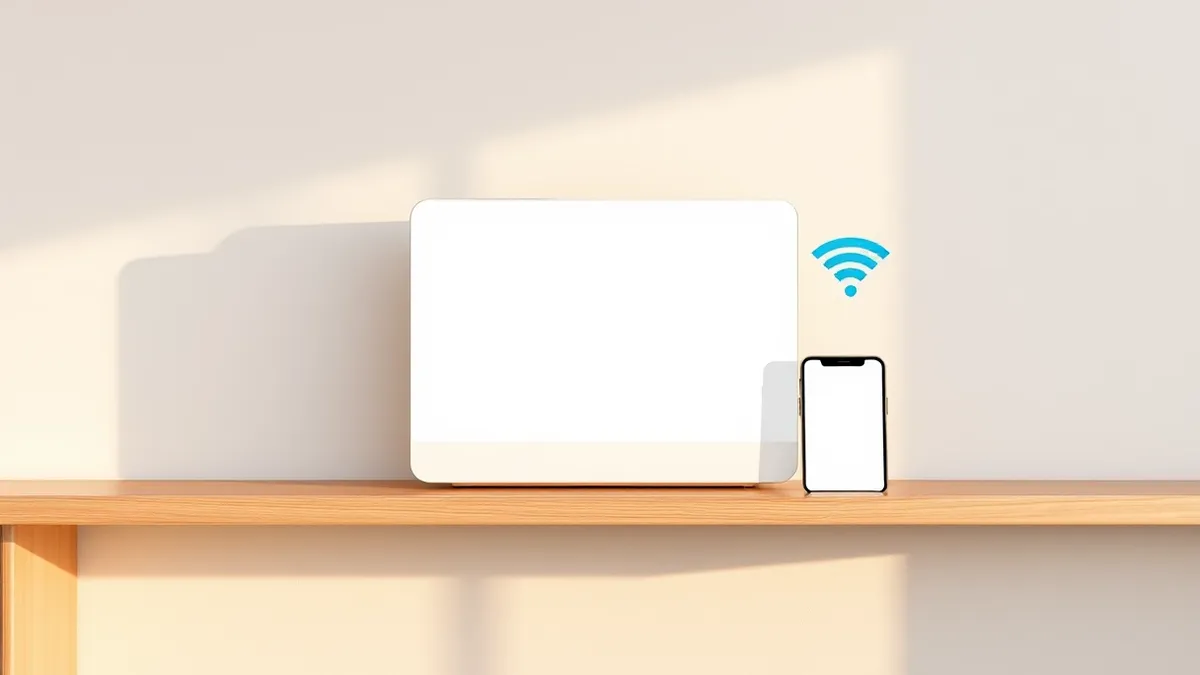
9to5Mac notes that in theory, the four iPhone-dependent apps should work seamlessly if the iPhone is on the same Wi-Fi network as the HomeView. However, the outlet states that early reviews will be needed to know for sure how this integration performs. The device represents a shift toward a more centralized home hub experience, though its software capabilities remain tightly controlled by Apple’s existing CarPlay infrastructure.
What should you do?
Check your current iPhone’s CarPlay compatibility to see which audio and video apps you use are supported. Verify that your home Wi-Fi network can handle the additional device traffic for seamless iPhone-to-Hub connectivity. Review the list of 15 built-in apps to determine if the native tools meet your home automation and communication needs. Wait for early reviews to assess the reliability of the iPhone-dependent apps before relying on them for daily use.
What to do and how to stay safe: Apple
- Verify that your existing iPhone apps have CarPlay versions if you plan to use third-party services like Spotify on the HomeView.
- Ensure your home Wi-Fi network is stable and covers the area where the HomeView will be mounted to support iPhone pairing.
- Check the specific list of 15 built-in apps to confirm the device supports the core functions you need for home management.
- Monitor early user reviews to understand the performance of apps that require an active iPhone connection for functionality.
Step-by-step guide: Mobile Device Security: How to Protect Data Beyond Passwords
General security guidance from the Threat Times newsroom. It is not confirmed advice from the organisations named in this story.
Frequently asked questions
Does the Apple HomeView have an App Store?
No, the HomeView does not have an App Store and cannot download additional apps directly to the device.
Which apps on the HomeView require an iPhone connection?
Audiobooks, Apple Music Classical, Apple News, and Apple TV are listed as CarPlay-enabled apps available from a paired iPhone.
When is the Apple HomeView available?
The HomeView is available to pre-order now and ships on Friday, November 13.