How Malicious PyPI Packages Infiltrate Python Environments
Trace the exact path from package upload to execution, identifying the specific trust gaps attackers exploit and where you can break the chain.

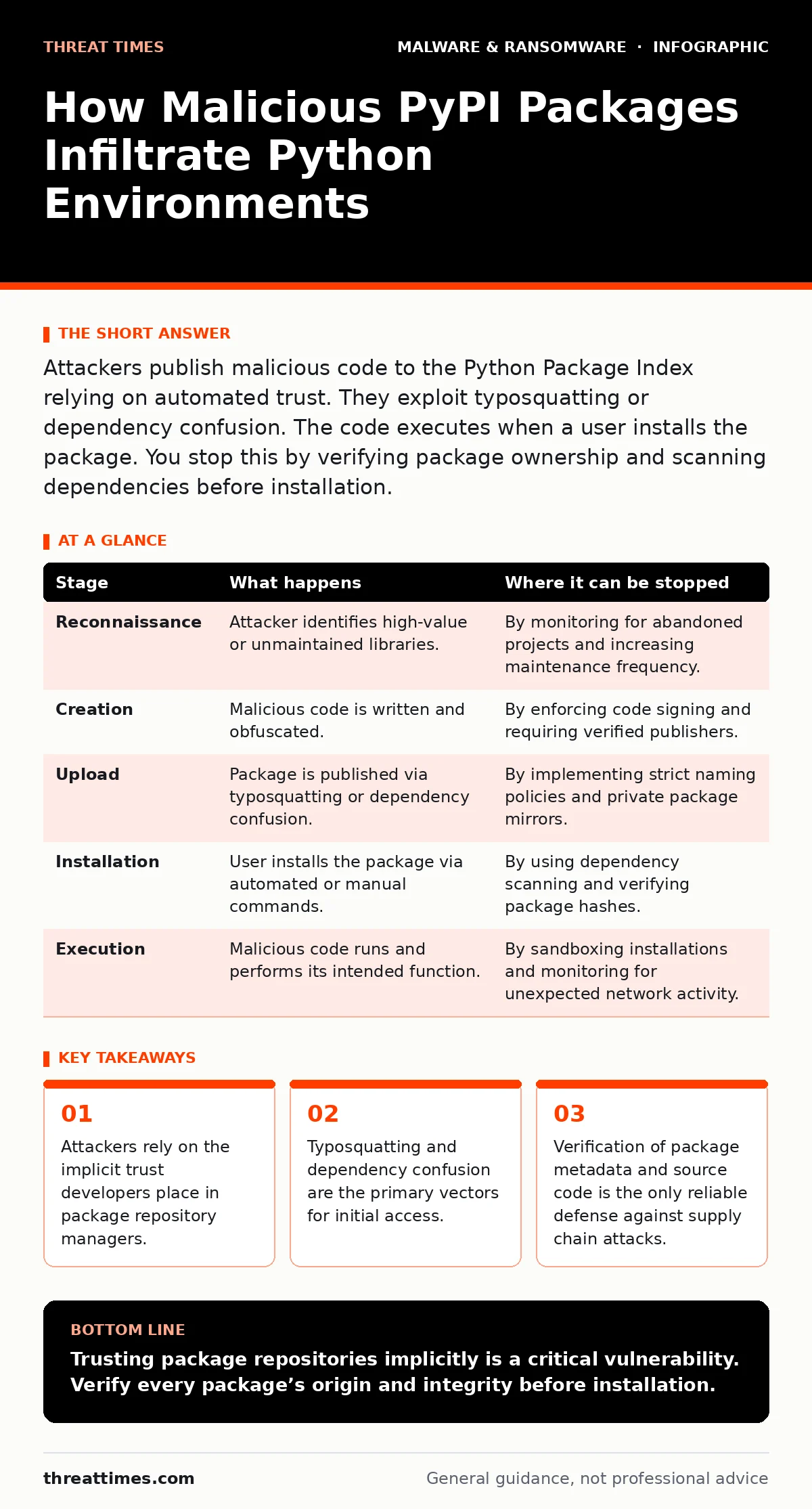
Attackers publish malicious code to the Python Package Index relying on automated trust. They exploit typosquatting or dependency confusion. The code executes when a user installs the package. You stop this by verifying package ownership and scanning dependencies before installation.
The Anatomy of Supply Chain Poisoning
Python’s ecosystem relies heavily on the Python Package Index, commonly known as PyPI. This repository hosts millions of libraries that developers install with a single command. The convenience of this system creates a significant attack surface. Attackers do not need to breach your network directly. They simply need to convince you to install a package you already trust, or one that looks like you trust.
The attack chain begins long before your terminal runs an install command. It starts with the attacker identifying a target library or a common dependency. They then craft a malicious package designed to blend in. The success of this attack relies on two factors: the inability of humans to verify every line of code and the automation that assumes published packages are safe.
Stage 1: Reconnaissance and Target Selection
The attacker begins by analyzing the Python ecosystem for high-value targets. They look for packages with high download counts, as these increase the probability of inclusion in a victim’s environment. They also scan for libraries that are no longer maintained, as these lack active oversight.
Attackers often target specific industries by identifying libraries commonly used in finance or healthcare. They may also look for packages that are frequently updated, as users of these packages are more likely to accept updates without scrutiny. The goal is to find a package that is central enough to be useful but obscure enough to avoid immediate detection.
Stage 2: Package Creation and Obfuscation
Once a target is selected, the attacker creates a malicious package. This package may be a direct copy of a legitimate library with malicious code injected, or a completely new package designed to mimic a legitimate one. The attacker uses techniques to hide the malicious intent.
Common techniques include code obfuscation, which makes the source code difficult to read. They may also use dynamic code execution, where the malicious payload is downloaded only at runtime. This delays detection until the package is actually installed and executed. The attacker ensures the package metadata, such as the name and description, closely resembles the legitimate package.
Stage 3: Upload and Persistence
The attacker uploads the malicious package to PyPI. This requires a valid account, which can be created easily. The attacker may use a name that is similar to the legitimate package, a technique known as typosquatting. For example, they might publish a package named "requests" instead of "request".
Alternatively, the attacker may use dependency confusion. This involves publishing a package with the same name as an internal company library but on the public repository. If the internal package manager checks the public repository first, it may install the malicious public package instead of the legitimate internal one. The attacker ensures the package remains available, updating it if necessary to maintain compatibility.
| Stage | What happens | Where it can be stopped |
|---|---|---|
| Reconnaissance | Attacker identifies high-value or unmaintained libraries. | By monitoring for abandoned projects and increasing maintenance frequency. |
| Creation | Malicious code is written and obfuscated. | By enforcing code signing and requiring verified publishers. |
| Upload | Package is published via typosquatting or dependency confusion. | By implementing strict naming policies and private package mirrors. |
| Installation | User installs the package via automated or manual commands. | By using dependency scanning and verifying package hashes. |
| Execution | Malicious code runs and performs its intended function. | By sandboxing installations and monitoring for unexpected network activity. |
Stage 4: Distribution and Adoption
The malicious package is now available for installation. Attackers may promote the package through social engineering, posting links on forums or in documentation. They may also rely on the natural flow of updates. If the package name is similar to a legitimate one, users may install it by mistake.
In the case of dependency confusion, the distribution is automatic. When a developer runs an update command, the package manager pulls the latest version. If the public repository is checked before the private one, the malicious package is installed. The attacker relies on the speed and automation of modern development workflows.
Stage 5: Installation and Initial Execution
The victim installs the package. This may happen during a routine update or when a new feature requires a new library. The package manager downloads the package and extracts it. The installation script, if present, runs with the permissions of the user.
At this stage, the malicious code is present on the system. If the code is obfuscated, it may not be immediately apparent. The attacker may include a delay to allow the package to be installed across multiple systems before triggering the payload. This increases the impact and makes tracing the source more difficult.
Stage 6: Payload Delivery and Impact
Once installed, the malicious code executes. The payload can vary widely. It may steal credentials, exfiltrate data, or install additional malware. The attacker may use the package as a foothold to move laterally within the network.
The impact depends on the permissions of the user who installed the package. If the package is installed in a shared environment, such as a server, the impact can be widespread. The attacker may also use the package to compromise the build pipeline, affecting future software releases.
Interrupting the Attack Chain
You can interrupt this chain at multiple points. The most effective method is to verify the source of every package. Use tools that check the cryptographic signature of packages. This ensures that the package has not been tampered with since it was published by the legitimate author.
Implement strict dependency management. Use lock files to pin specific versions of packages. This prevents unexpected updates from introducing malicious code. Regularly audit your dependencies for known vulnerabilities and abandoned projects.
The Hidden Cost of Convenience
The Python ecosystem’s strength is its accessibility. This same accessibility is its weakness. The ease of publishing packages means that malicious actors can operate with low barriers to entry. The cost of creating a malicious package is minimal, while the potential reward is high.
Developers often prioritize speed over security. They install packages without reviewing the code. This trust is misplaced. The responsibility for security lies with the user, not the repository. You must adopt a zero-trust approach to dependencies. Verify every package, sign every release, and monitor for unusual activity.
Building a Resilient Supply Chain
Resilience requires a combination of technical controls and cultural change. Technically, implement automated scanning of dependencies. Use tools that analyze the code for malicious patterns. Integrate these checks into your continuous integration pipeline.
Culturally, encourage developers to review the packages they install. Make security a shared responsibility. Provide training on the risks of supply chain attacks. By combining these measures, you can reduce the risk of malicious packages infiltrating your environment.
Key takeaways
- Attackers rely on the implicit trust developers place in package repository managers.
- Typosquatting and dependency confusion are the primary vectors for initial access.
- Verification of package metadata and source code is the only reliable defense against supply chain attacks.
Trusting package repositories implicitly is a critical vulnerability. Verify every package’s origin and integrity before installation.
Frequently asked questions
How do I know if a package is malicious?
Look for signs such as unusual permissions, obfuscated code, or recent changes to the maintainer. Use static analysis tools to scan for known malicious patterns.
Can I prevent typosquatting attacks?
Yes, by using dependency lock files and verifying package names against a known good list. Implement strict naming conventions for internal packages.
What is dependency confusion?
It is an attack where a public package with the same name as an internal package is installed instead of the internal one. Prevent this by prioritizing private repositories.
Should I stop using PyPI?
No, but you should use it cautiously. Implement strict verification and scanning procedures. Consider using a private mirror to control the packages available to your team.
How this guide was produced: written by the Threat Times editorial team with AI assistance, checked against the public references listed below, and reviewed when the facts change. See our editorial policy or report an error.